TV eMMC dump: how to read, verify and what to do next
An eMMC dump is a full copy of the TV’s memory. With it you can revive a “bricked” TV, pick a replacement chip and analyse the partitions. Below is a general workflow and what is better not to do.
1. Before you start
- Unplug the TV and wait for the capacitors to discharge.
- Identify the eMMC marking and package (most often BGA153). For in-circuit reading (ISP) you usually need the CMD, CLK, DAT0, GND lines and VCC/VCCQ power (often from the TV itself), sometimes RST_n.
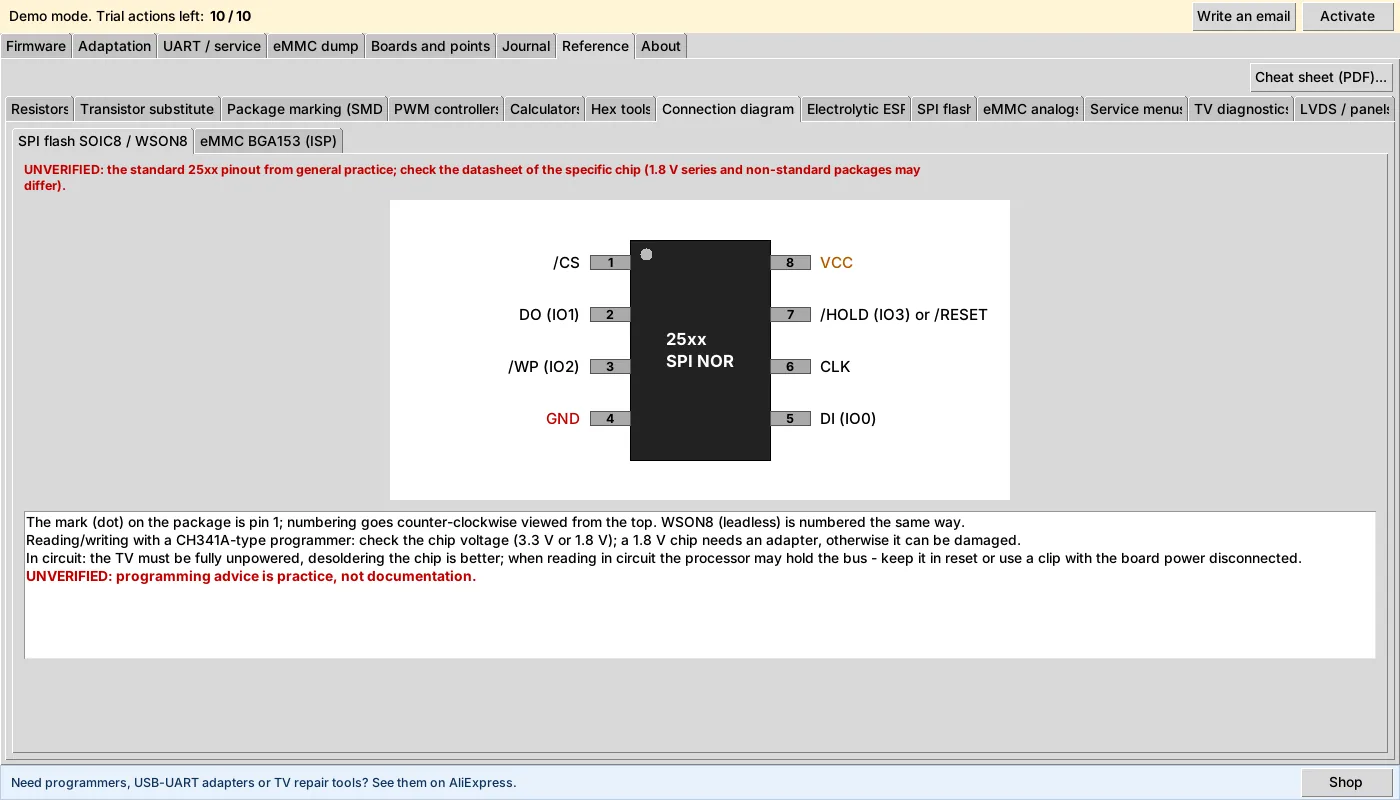
- The eMMC BGA153 ball map is in the FW Tool reference. Check it against your chip’s datasheet: UNVERIFIED for other packages (BGA169/100/162/186).
2. Take a copy
Read with a programmer or adapter that supports eMMC and save the result to a file (or a folder of partition images). Make two copies in a row and compare their checksums: a match means the contacts hold steadily.
3. Verify the file
In “Reference → Hex tools” FW Tool calculates CRC32 and MD5 and compares two dumps byte by byte. If the copies differ, recheck the soldering and the power.
4. Analyse the partitions
In the “eMMC dump” tab click “Analyze”: the program shows the partition table (name, FS label, type, offset, size). You can extract the files you need one by one or all at once.
5. Work on a copy
Editing and wiping change the dump file itself, so in FW Tool writing to a dump is enabled by a separate checkbox. Make a copy of the dump first, edit the copy and keep the original untouched.
6. Replacing the chip
When replacing an eMMC, choose an analog by capacity, manufacturer and package. FW Tool has an analog finder in the “eMMC dump” tab that shows how well a candidate fits. It is a hint, not a guarantee: check the layout and the firmware.
What not to do
- Do not read or write the eMMC with the TV powered on without understanding who drives the bus.
- Do not write a file to the chip if its integrity has not been checked.
- Do not trust other people’s ball maps without checking the datasheet.